x

Turn Alice into a living knowledge base. Search through it, summarize it, generate reports, tables, and infographics and much more in minutes.





Reliable. Easy. Secure.
Used in journalism, law, universities & healthcare.

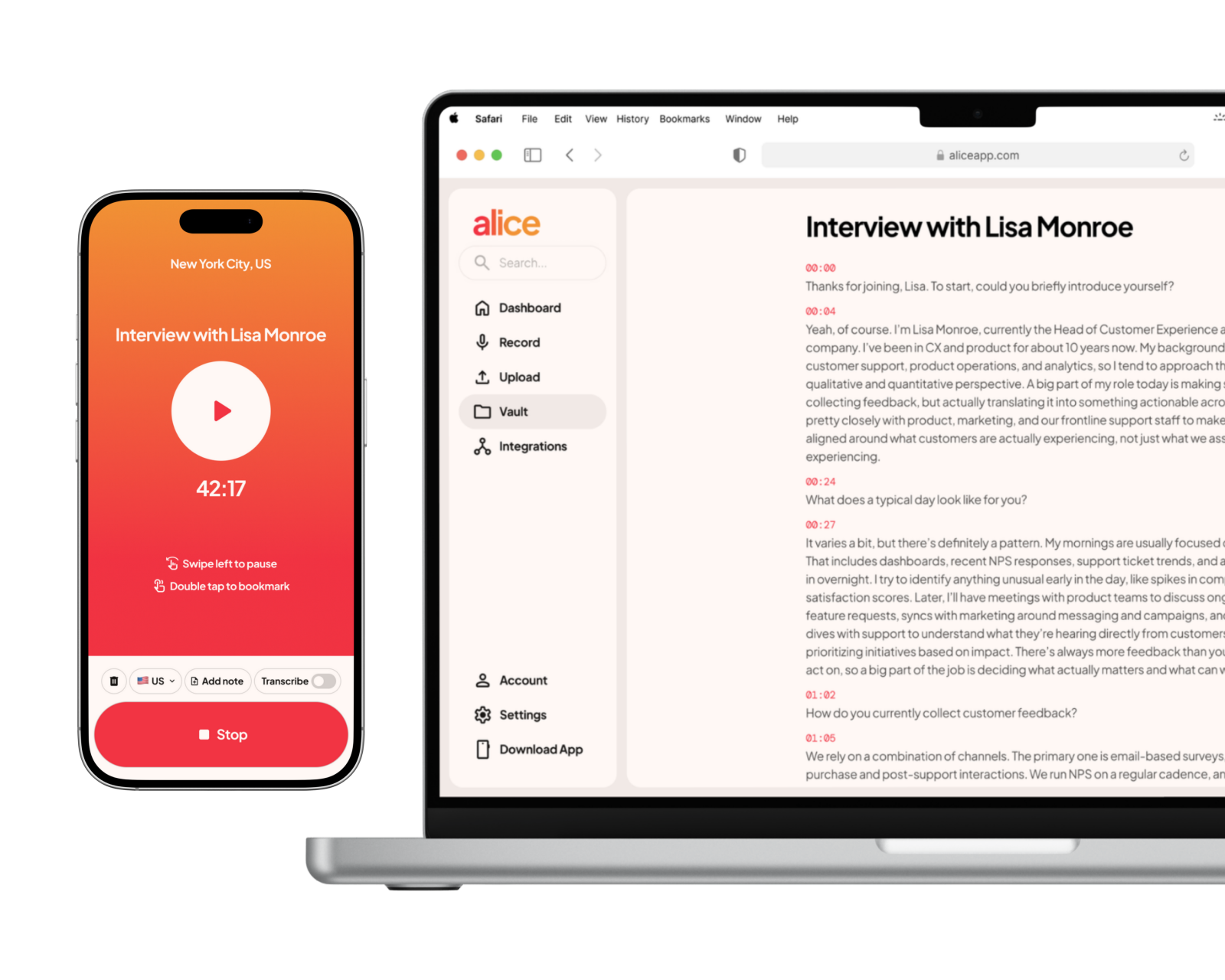
Chat with all your transcripts at once. Find that exact quote, surface a theme across 50 interviews, or get a summary of everything you've captured — in seconds.
Generate polished infographics, data tables, and slide decks straight from your recordings. No reformatting, no copy-pasting — just your words, made visual.
Go from raw audio to a structured, citation-backed report without writing a single sentence from scratch. NotebookLM pulls directly from what you recorded.
Turn your transcripts into an AI podcast, a cinematic video overview, or a deep-dive briefing — and actually consume your research on the go.
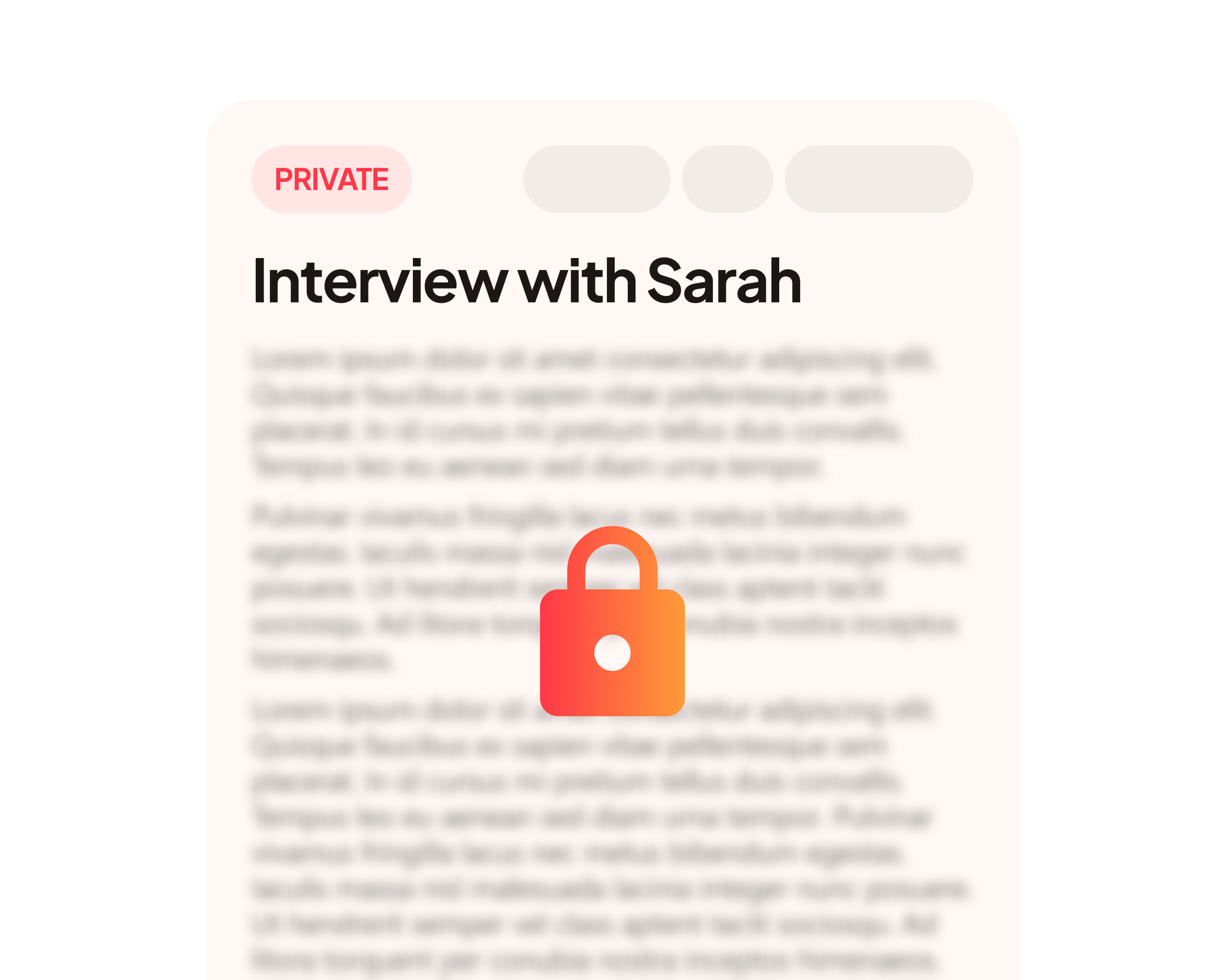
Unlike tools that automatically route your recordings into AI systems, Alice puts you in control. Your transcripts live in your own Google Drive. NotebookLM reads them directly — no middleman, no surprises.

Everything you need to know about connecting Claude to your Alice recordings
Does this cost extra?
© 2026